

Konnected Alarm Panel Pro 12-Zone Conversion Kit
$229.00
Sale price
$229.00
Regular price
$229.00
Skip to product information


Konnected Alarm Panel Pro 12-Zone Conversion Kit
Rated 4.2 out of 5 stars
173 Reviews
$229.00
Sale price
$229.00
Regular price
$229.00
Retrofit your existing alarm and make it smart, all by yourself! The Pro Conversion Kit with 12-zones per panel, Ethernet or Wi-Fi connectivity, two outputs for sirens or strobe lights, and added Power over Ethernet (PoE) is a perfect replacement for most traditional wired alarm systems and a great home security solution for new pre-wired homes. Control and monitor your smart home with apps like SmartThings, Home Assistant, Amazon Alexa, and more - without any monthly fees!


Use Your Existing Wires to Create a Smart Alarm System
Did you know millions of homes are pre-wired for an alarm system?
With the Konnected Conversion Kit, you can easily replace your old alarm panel or take advantage of your newly pre-wired home and create a smart alarm system.
This DIY wired alarm system retrofit works with leading consumer smart home platforms that allow you to monitor and control your home from anywhere, without expensive monthly security fees.
Not into DIY’s? We’ve got you covered with our network of dealers!


How The Alarm Panel Pro Conversion Kit Works
The Konnected Alarm Panel Pro replaces a traditional wired alarm system through your existing wired alarm sensors in five easy steps.
If you wish to fit it into your newly pre-wired home, skip Step 2.
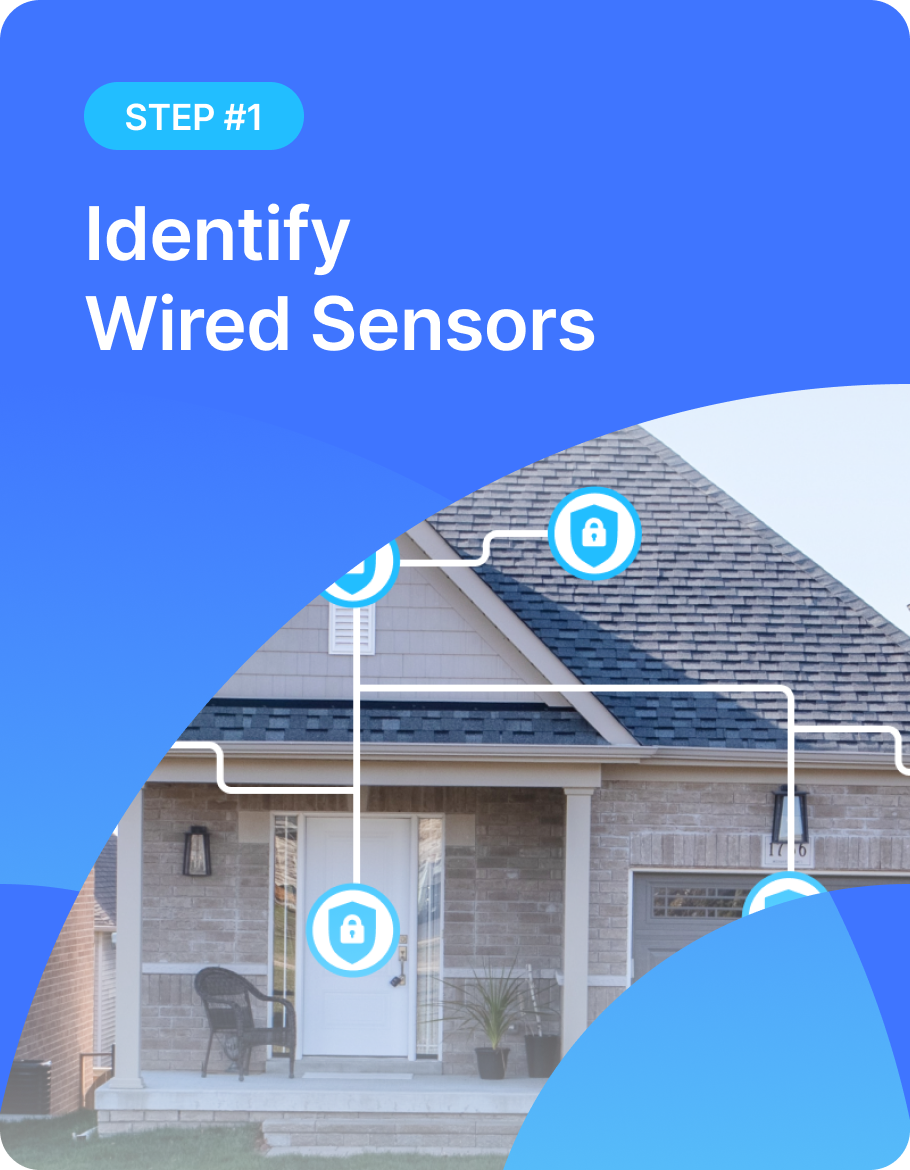
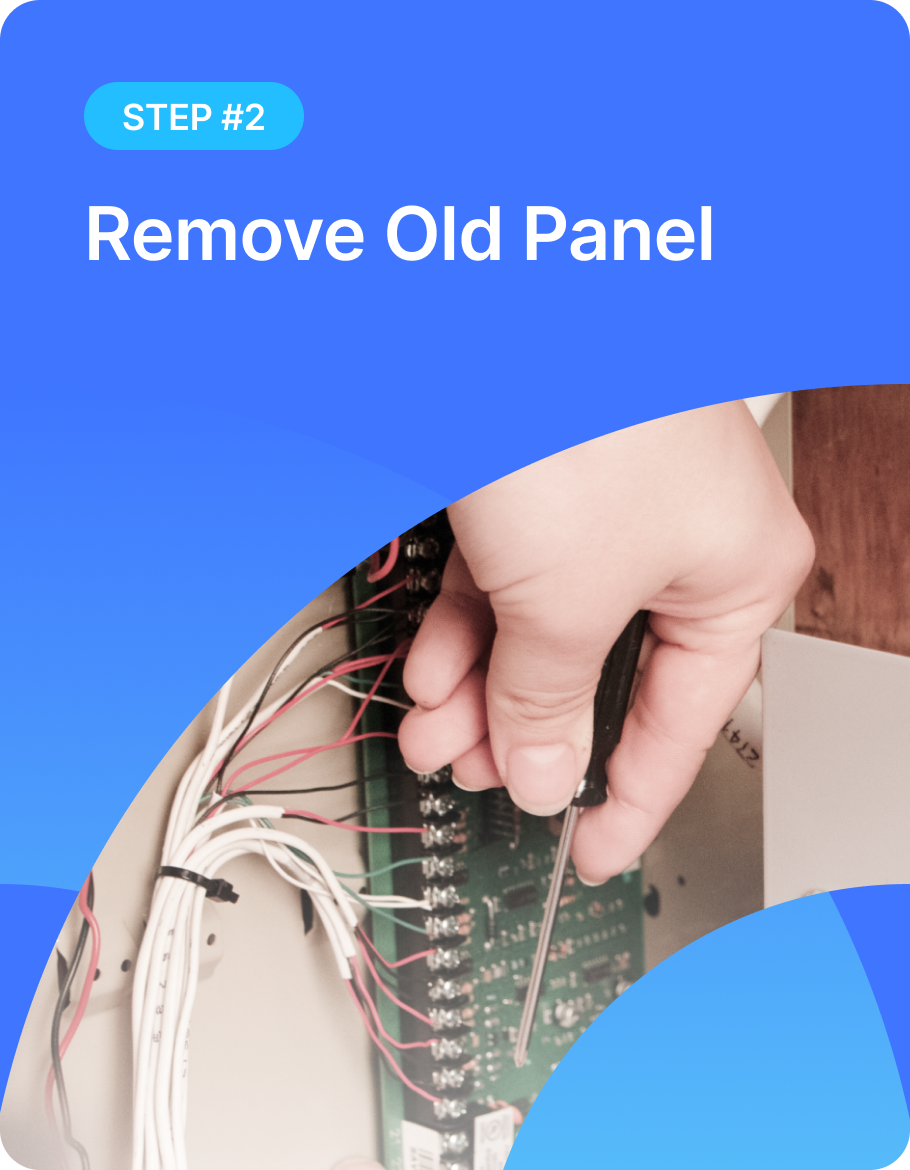
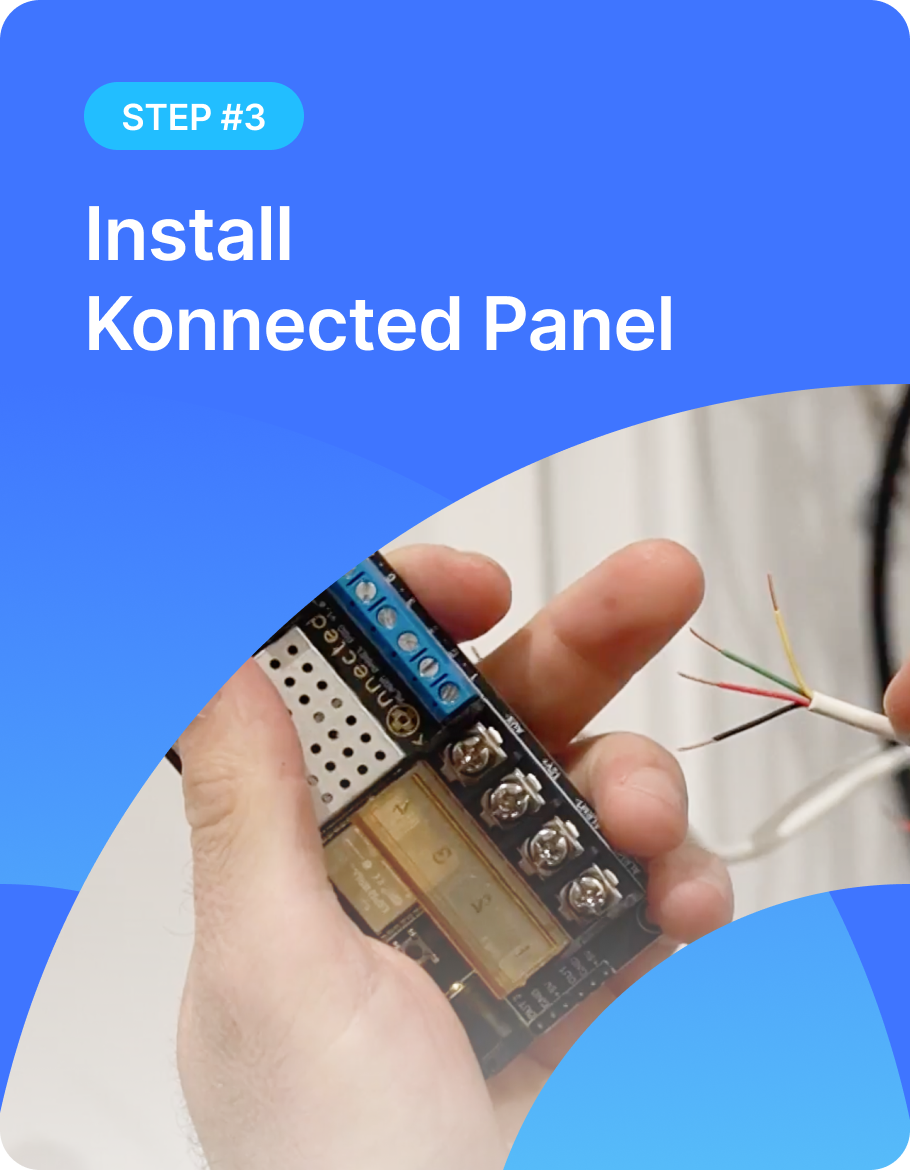
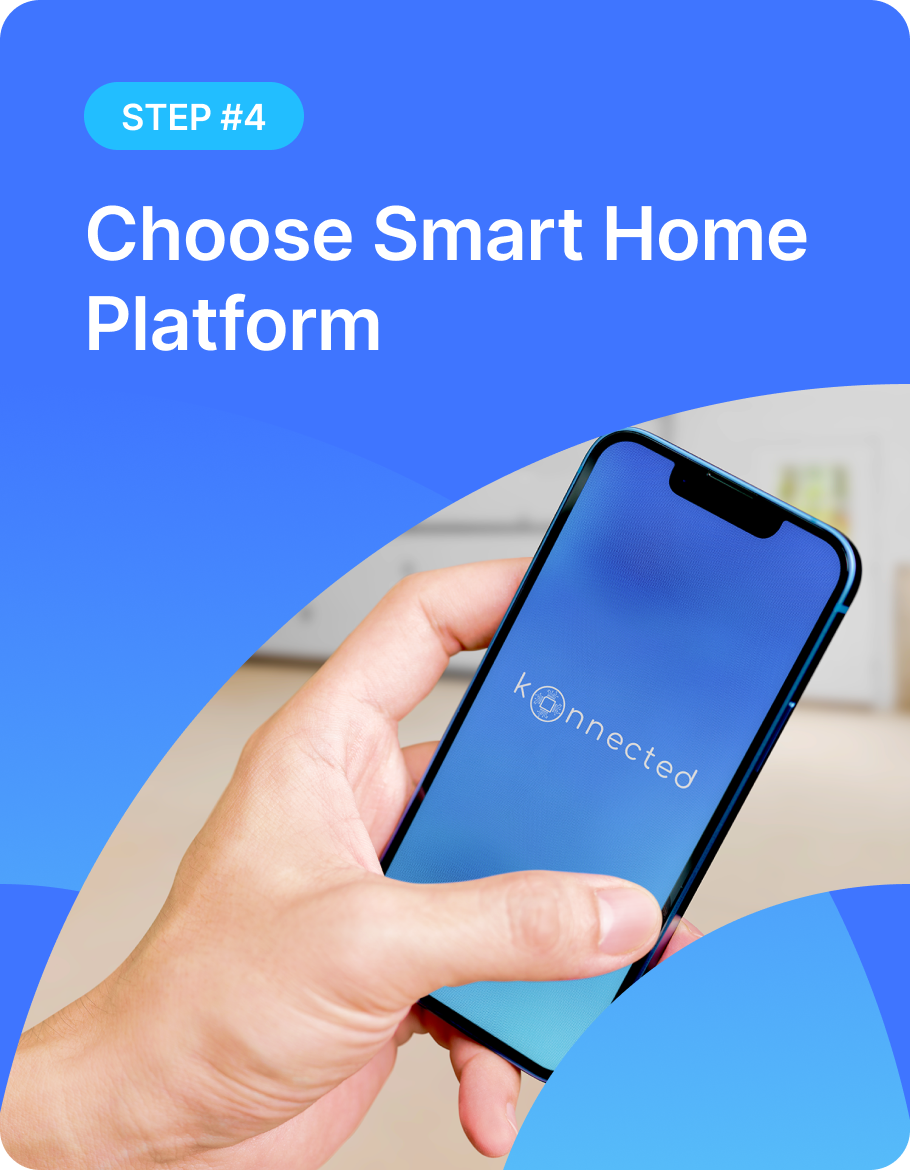

Choose the Alarm Panel Pro Conversion Kit If You:

Need Ethernet connectivity and/or PoE because your home is pre-wired for Ethernet
Want to have 12 zones and 2 siren/strobe outputs per panel
Don’t want to pay any monthly fees and switch fully to app-based self-monitoring? Read the no-monthly-fee security system guide.
Still evaluating the old wiring? Start with the wired alarm retrofit guide, then compare whether to replace or keep the old panel.
Don’t want to use the original alarm system anymoreWant the ability to replace original keypads with touch-screen tablets
Have a pre-wired home without any alarm system installed yet
Reasons to Love Konnected for App-Based Home Monitoring
Works with leading smart home platforms and voice assistants
Infinitely expandable by adding any of our alarm panels
No required monthly fees or subscriptions
Real-time notifications so you can monitor your home from anywhere
Automatically arms/disarms your home
Uses your pre-existing wired sensors and siren
Create smart home routines and automations


Works With Most Wired Sensors & Devices
Door and Window Sensors
Wired PIR Motion Sensors
Wired Glass-Break Detectors
Water Leak Detectors
Smoke and Carbon Monoxide Detectors*
Alarm Siren and Strobe Light

*THIS PRODUCT IS NOT A FIRE OR LIFE SAFETY DEVICE. Use with smoke and carbon monoxide detectors is for informational purposes only. Do not rely on Konnected alone to notify you in a life threatening emergency.
Compare Kits |

|

|
|---|---|---|
|
Conversion Kit |
Interface Kit |
|
|
Starting at |
$229.00
Regular price
$229.00
Sale price
$229.00
|
$289.00
Regular price
$289.00
Sale price
$289.00
|
|
Makes any wired alarm system smart |
||
|
Works with common wired sensors & signaling devices |
||
|
No required fees or subscriptions |
||
|
Smartphone monitoring & notifications |
||
|
Replaces traditional wired alarm panel |
||
|
Adds smart home features by connecting to any traditional alarm panel |
||
|
Open-source technology |
||
|
Wi-Fi connectivity |
||
|
Ethernet connectivity |
||
|
Power-over-Ethernet (PoE) |
||
|
More zones by adding Konnected panels |
||
|
6-zones per panel |
||
|
12-zones per panel |
||
|
Availability |
|
|
Choose the Alarm Panel Pro Conversion Kit If You:
A good rule of thumb is that smaller homes usually require less coverage. But don’t worry, there’s an easy way to learn how many zones you need.
If your home has a pre-existing traditional alarm system, the zones are most likely listed by the keypad or inside of the alarm system box (the one with all the wires). Count them and voila - you’re ready to select the right Konnected panel!
Not sure how many zones you need for your new pre-wired home? The industry standard is grouping your windows together - each floor or cardinal direction is one zone. We also recommend that you keep each door and motion sensor as separate zones to ensure the most precise monitoring possible!

Alarm Panel Pro Features

Looking to Replace Your Old Keypad?
You can upgrade the look and function of your home by replacing your old alarm system keypads with wall-mounted tablets after you've converted your wired alarm system. Wall-mounted Amazon Fire tablets are a beautiful and inexpensive way to create a DIY smart home dashboard.
Run power to the tablet using your alarm system's pre-existing keypad wiring and our 12V to 5V USB adapter and 3D printed tablet frames. Prefer to keep the traditional keypads? Shop our Interface Kit that allows parallel connection with your existing system.

Local and/or Cloud-based Automation
Konnected supports LAN-based local home automation or convenient & secure cloud based platforms via our free to use Konnected Cloud service. Learn more about cloud vs. local on the blog

LEADING SMART HOME INTEGRATIONS

Monitor and control smart devices and home appliances wherever you are.

Integrate your smart home monitoring with Alexa-enabled devices.

The open-source home automation platform that focuses on privacy and local control.

Compatible with popular home automation devices, may include a variety of built-in apps.

Community-oriented, native, powerful and beginner-friendly.

A universal integration platform for all things around home automation.

A general framework for controlling an IoT device from mobile, using your JavaScript files.

Control MQTT Enabled smart devices.
What Konnected Users Are Saying


TECHNICAL SPECS
ALARM PANEL PRO
Wireless:
802.11b/g/n 2.4GHz
Ethernet:
100BASE-TX 802.3u
PoE+ 802.3at
Microcontroller:
ESP32
Inputs/Outputs:
Up to 12 NC/NO input zones for wired sensors
Zones 1-8 may be used as 3.3V signal outputs
Zones 1-8 may be used for temperature sensors
1 dedicated 12V alarm output (max 2A)
1 dedicated 3.3V signal output
1 toggleable 12V/3.3V output
Toggleable 12V/3.3V output
Power Requirements:
Input Power: 12VDC 2.5A or power via PoE+ compatible network switch
300mA @ 12VDC max power consumption (device only)
Total power consumption varies depending on attached auxiliary powered devices and siren.
DC barrel jack connector 5.5mm outer x 2.1mm inner (center positive)
Expansion Port:
Works with up to 2 Konnected Alarm Panel Interface modules
Auxiliary Power Output:
Outputs 12VDC
Limited to 1A when powered via PoE
Signal Output:
5VDC supply (max 300mA)
3.3V output for switching a relay or piezo buzzer
Micro-USB port:
Upgradable and serviceable via USB connectionto a computer
Warranty:
1-year limited warranty
Physical:
14.5cm L x 4.6cm W
Designed in the USA
Assembled in North America
FREQUENTLY ASKED QUESTIONS
HOW MANY ZONES DO I NEED?
A zone in the context of alarm systems refers to a sensor or a group of sensors. Each zone in your system will show up in your smart home app as an individual device that you can name. For example, a single door sensor wired to a zone may be named "Front Door". You may also have a group of windows wired together on one zone and call it "Downstairs Windows". A good place to start is by looking at your existing alarm system and count the number of zones. Often the keypad from your old system will have a zone listing either handwritten on a label, or programmed into the display.
WHAT IS THE DIFFERENCE BETWEEN CONVERSION AND INTERFACE?
Conversion kits work as a replacement to your traditional alarm panel or an addition to your new-pre wired home. Interface kits allow you to keep the traditional alarm panel and add smart home functionality to it.
DOES IT WORK WITH MY EXISTING ALARM SYSTEM?
If you'd like to keep using your existing keypad, make sure to purchase one of our Interface Kits (instead of the Conversion Kit). Interface Kits allow you to keep the functionality of your traditional keypad, while adding the all-new smart home possibilities controlled from your phone, tablet or computer. If you want to stop using your keypad and monitor your home only with smart home platforms, choose any of the Conversion Kits. No matter your requirements, Konnected has a solution for you.
79%would recommend this product
Slide 1 selected
173 reviews
- EPEulayses P.Verified BuyerRated 4 out of 5 stars1 month agoA bumpy star with a great product
An excellent Product to replace my two 6 zone boards. I had a bit of a struggle connecting with my network and Smartthings because I just replaced my router. Also had a bit of trouble getting the piezo configured, but it all worked out in the end.
- EYEric Y.Verified BuyerRated 5 out of 5 stars3 months agoReplaced an old security system
I'm very happy. 12 motion sensors and 2 screamers. I've exposed it to Apple Home via Home Assistant. I've got the screamers activated via Home Assistant instead of the Konnected since they are rather loud and I want to think a bit more before permanently enabling them (wife acceptance factor). I got the magnetic standoffs and they have made thing so much easier during install. Pull off the steel wall (an artefact of the old security system), move wires around, the put back on the wall. Since I needed to have a total of 14 12v inputs, I used a fan in system of connections to keep things manageable.
- DGDavid G.Verified BuyerRated 5 out of 5 stars10 months agoNice way to modernize
I’ve been looking to bring our 40 year-old alarm system into the modern Smart age and this is a great tool to do just that !
- MBMarvin B.Rated 5 out of 5 stars1 year agoExcellent Hardware!!
The hardware is excellent. I purchased the alarm panel pro with 12 zones. I've replaced my original 20 year old GE alarm board while keeping all of the original wired sensors for the doors and the windows. I've also added wired garage door sensors which were not a part of the home originally. I've paired Konnected with Home Assistant and I just need to work out my own remote access.
- SBStany B.Verified BuyerRated 5 out of 5 stars1 year agoalmost perfect
Very good:
- replacement of old wired alarm in no time.
- Top paper and online documentations.
could be improved:
- european stores with availabilities (had to buy us and pay customs)
- 5v out1/2 connectors (why not as 3v and 12v)
- alarm2/out2 selector, why not both or only one (get rid of switch)